
- 1Your setup
- 2Start trial
- 3Download & activate
Download Outloop for Mac
Install the Mac app, activate this device, and start your first API proof in a few minutes.
What happens next
1 · Download the DMGInfo
Get the latest signed and notarized Outloop build.
2 · Open the DMGInfo
Double-click the downloaded .dmg file.
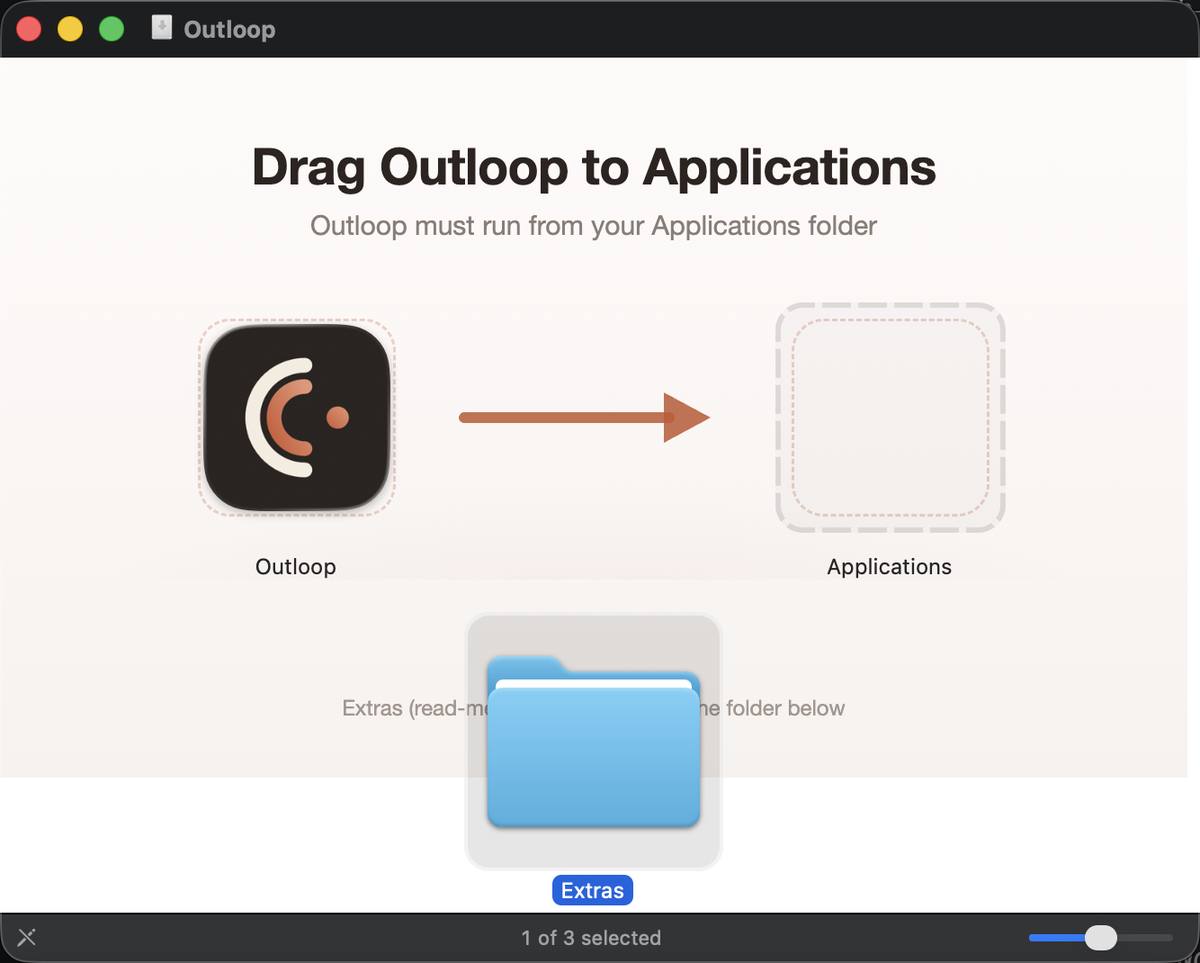
3 · Drag Outloop to ApplicationsInfo
Move Outloop into your Applications folder, then open it from there.
4 · Activate this MacIn the Mac app
Open Outloop and click Activate. You'll sign in with your Outloop account and confirm this Mac. Your Outloop account connects to the Mac app the moment you activate — your API keys never leave your Mac.
You can download now and sign in when you activate.
Your API keys stay on your Mac. Outloop Cloud only manages your account, trial, and license. No API keys or project files are uploaded.